Online SVG editor
AI workflow builder
& Tool launcher
Design vectors, automate with AI, and publish web tools your audience can run instantly.
Pro-Grade Tools, Built for Creators
Vector Ink packs the essentials of a professional logo design app, SVG editor, and Adobe Illustrator alternative into one streamlined online workspace. Explore the precision tools that power every great vector design.
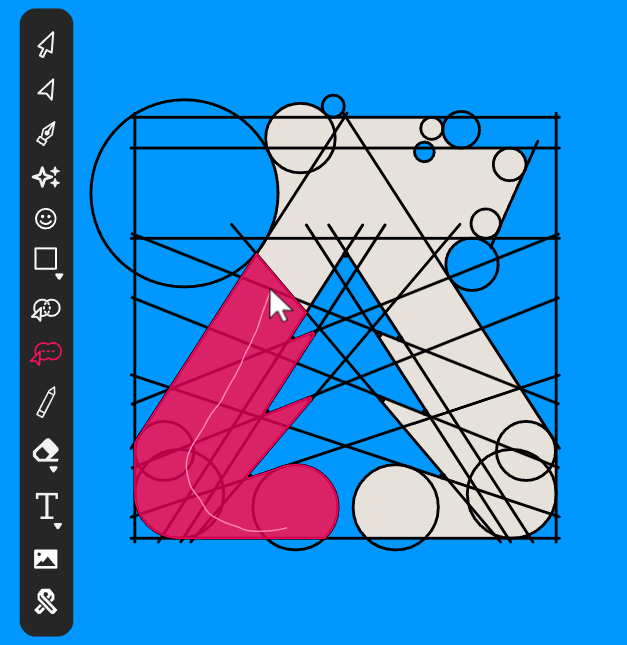
Shape Builder — Combine Paths Like a Pro
Merge, subtract, and intersect vector shapes with surgical precision. The Shape Builder Tool turns simple paths into intricate logos and SVG artwork in seconds — a must-have feature in any modern Illustrator alternative.
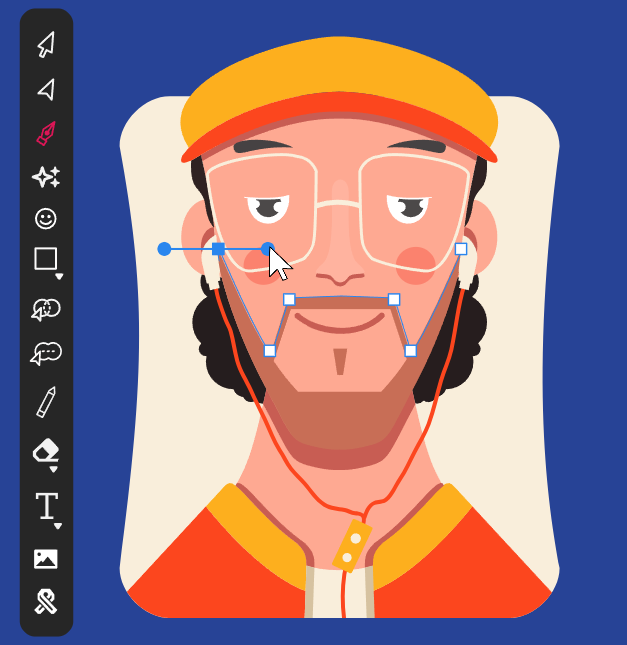
Pen Tool — Master Bezier Curves
Draft pixel-perfect vector paths with the industry-standard Pen Tool. Anchor points, smooth handles, and crisp bezier curves give every SVG editor user complete control over every line, corner, and contour.
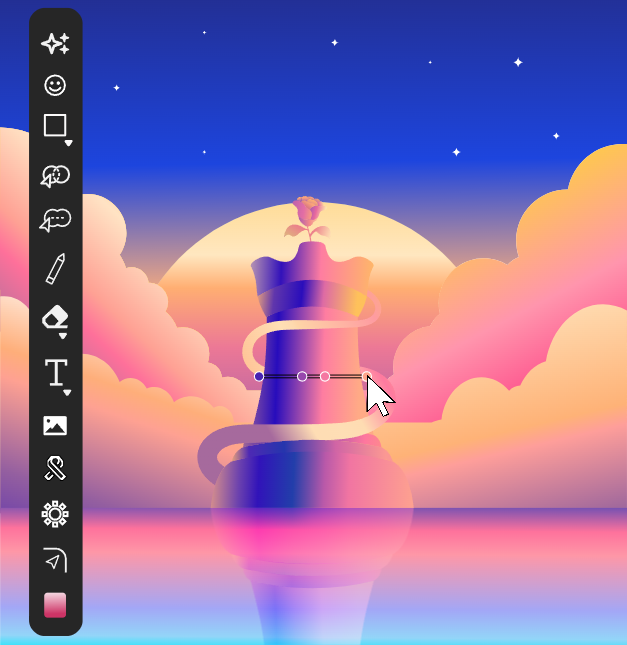
Gradient Tool — Rich, Smooth Color
Apply linear, radial, and conic gradients with intuitive on-canvas controls. Perfect for modern logo design, polished UI, and eye-catching SVG illustrations that demand a premium, professional finish.
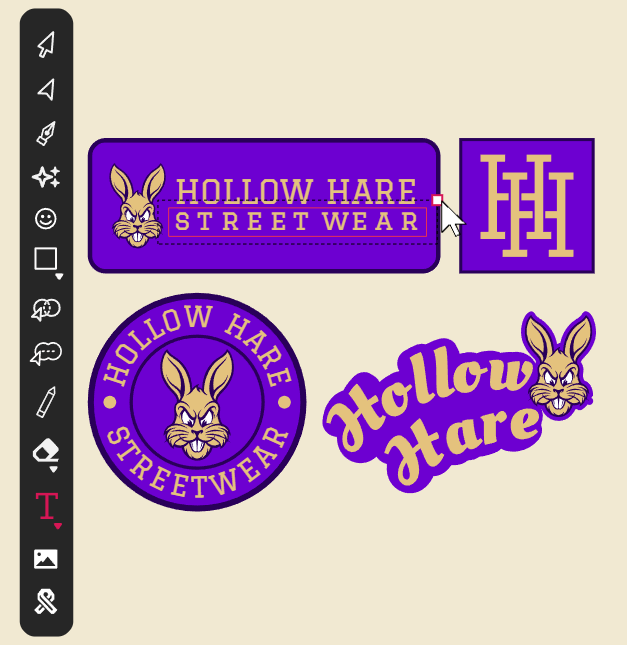
Text Tool — Typography Made Easy
Add headlines, taglines, and stylized typography to any artwork. Fully editable, infinitely scalable text with custom font support makes Vector Ink a complete logo design and branding suite for creators.
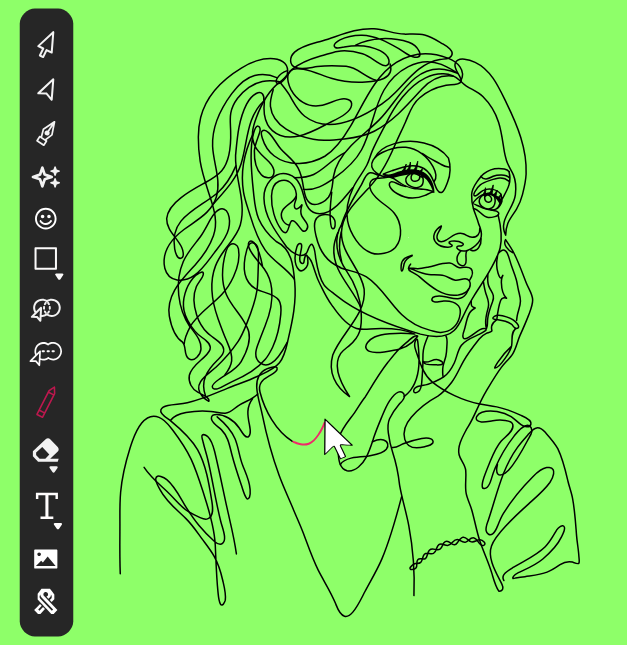
Draw Tool — Sketch Freely, Stay Precise
Sketch organic shapes and freehand vector artwork with built-in line stabilization. Whether you're illustrating, lettering, or storyboarding, the Draw Tool feels as natural as pen on paper — but every stroke is editable vector.
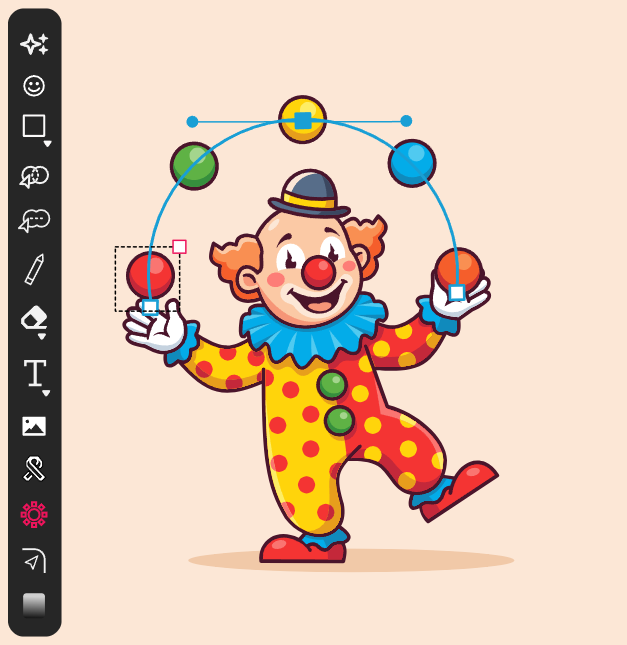
Copy Tool — Pattern, Repeat, Multiply
Duplicate objects in radial arrays, perfect grids, or precise horizontal and vertical offsets. Build mandalas, repeatable patterns, and scalable design systems faster than with any other vector graphics editor.
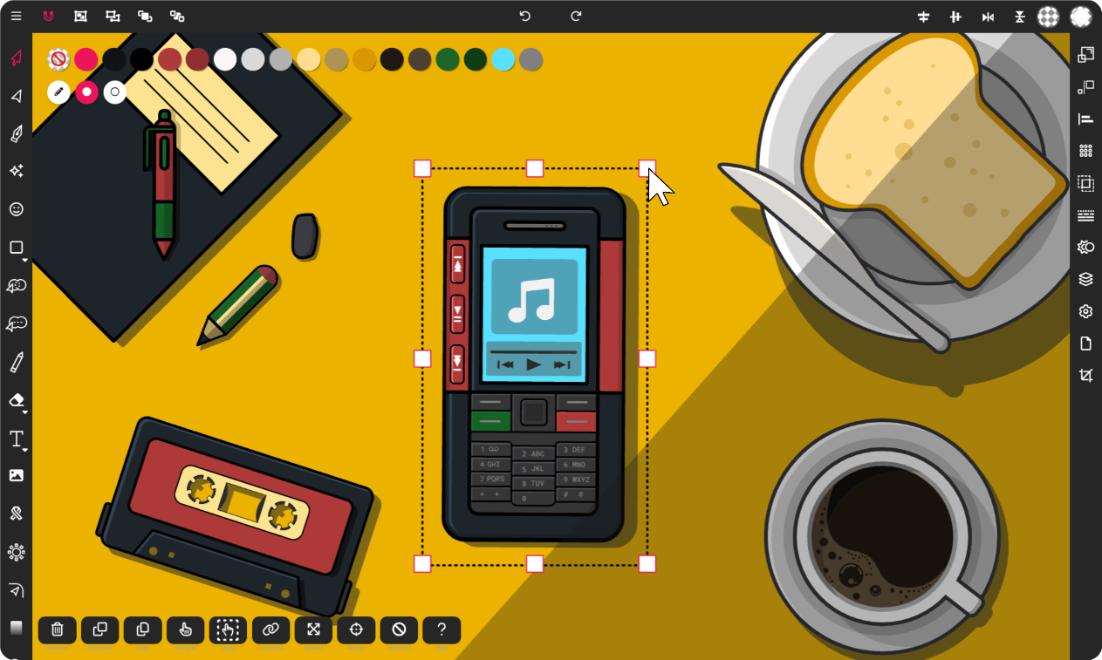
Your All-in-One SVG Editor
Vector Ink is a powerful online vector graphics editor and SVG design app built for designers, brand creators, illustrators, and crafters. Create logos, edit SVG files, design web icons, and craft pixel-perfect artwork — all in one fast, accessible workspace that runs in your browser.
No installs. No complicated interfaces. Just a modern logo design software and SVG editor with the precision tools, AI features, and asset libraries you need to bring any vector idea to life.
Turn Creative Ideas into Vector Assets
From professional branding to personal crafts, Vector Ink provides the tools you need to bring any vector idea to life. Explore some of the possibilities:
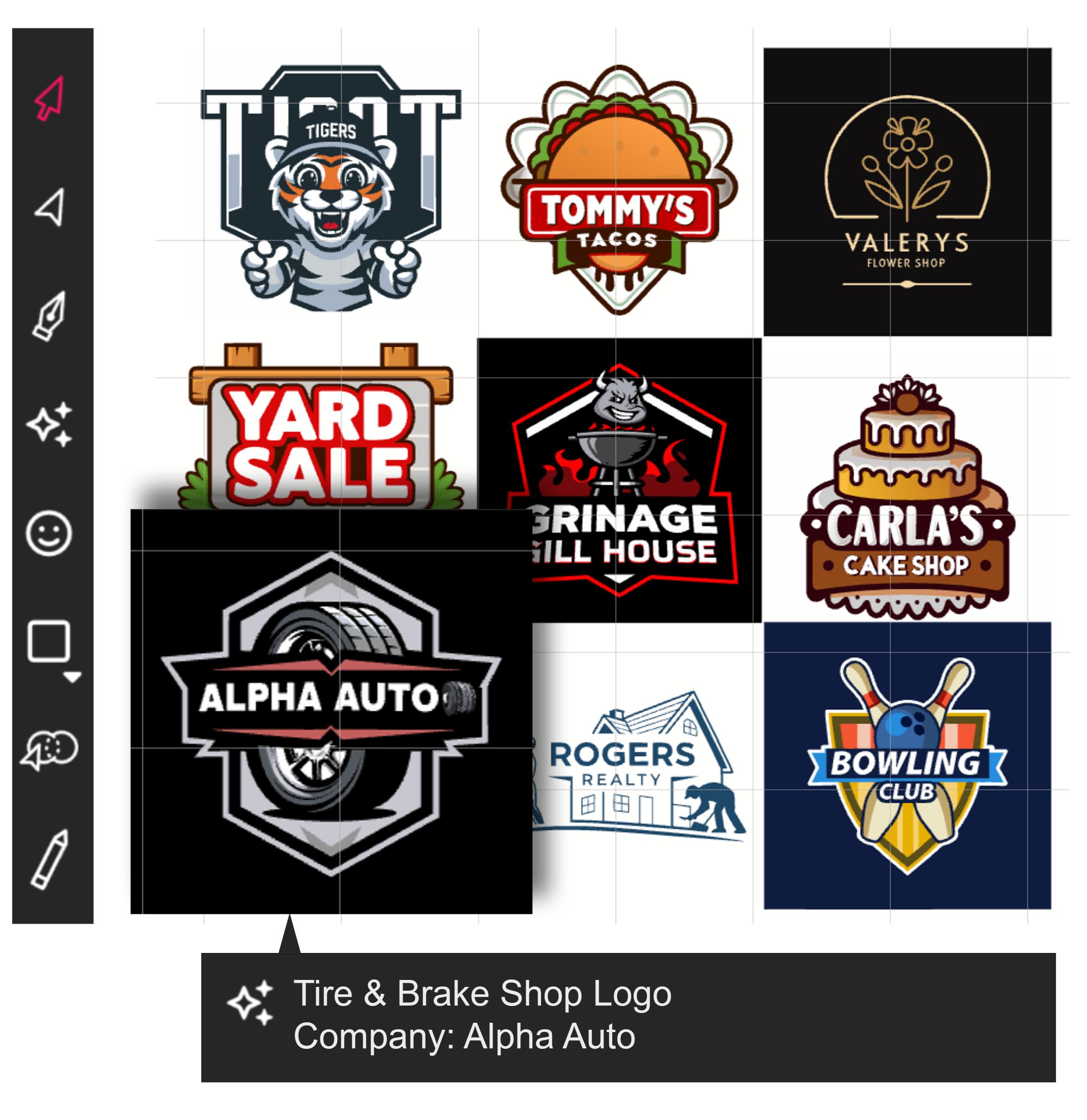
Logos & Branding
Craft unique and scalable logos that define your brand identity. Vector Ink's precision tools and vast icon library make it easy to create memorable marks that look sharp on websites, merchandise, and everything in between.
Stuck for ideas? Leverage the power of AI to generate stunning, fully editable vector logo concepts in seconds. Simply describe your vision, and let Vector Ink provide a starting point or even a near-final design you can refine.
Get StartedWeb Icons & UI
Design pixel-perfect icons and interface elements for websites and applications. Utilize helpful measuring guides, smart snapping, and feature-rich shape editing tools to ensure precision and consistency in every element of your user interface.
Speed up your workflow with our AI vector image generator, which includes a pre-defined style specifically for UI icons. Generate editable vector icons instantly while designing your UI, saving time and boosting creativity.
Get Started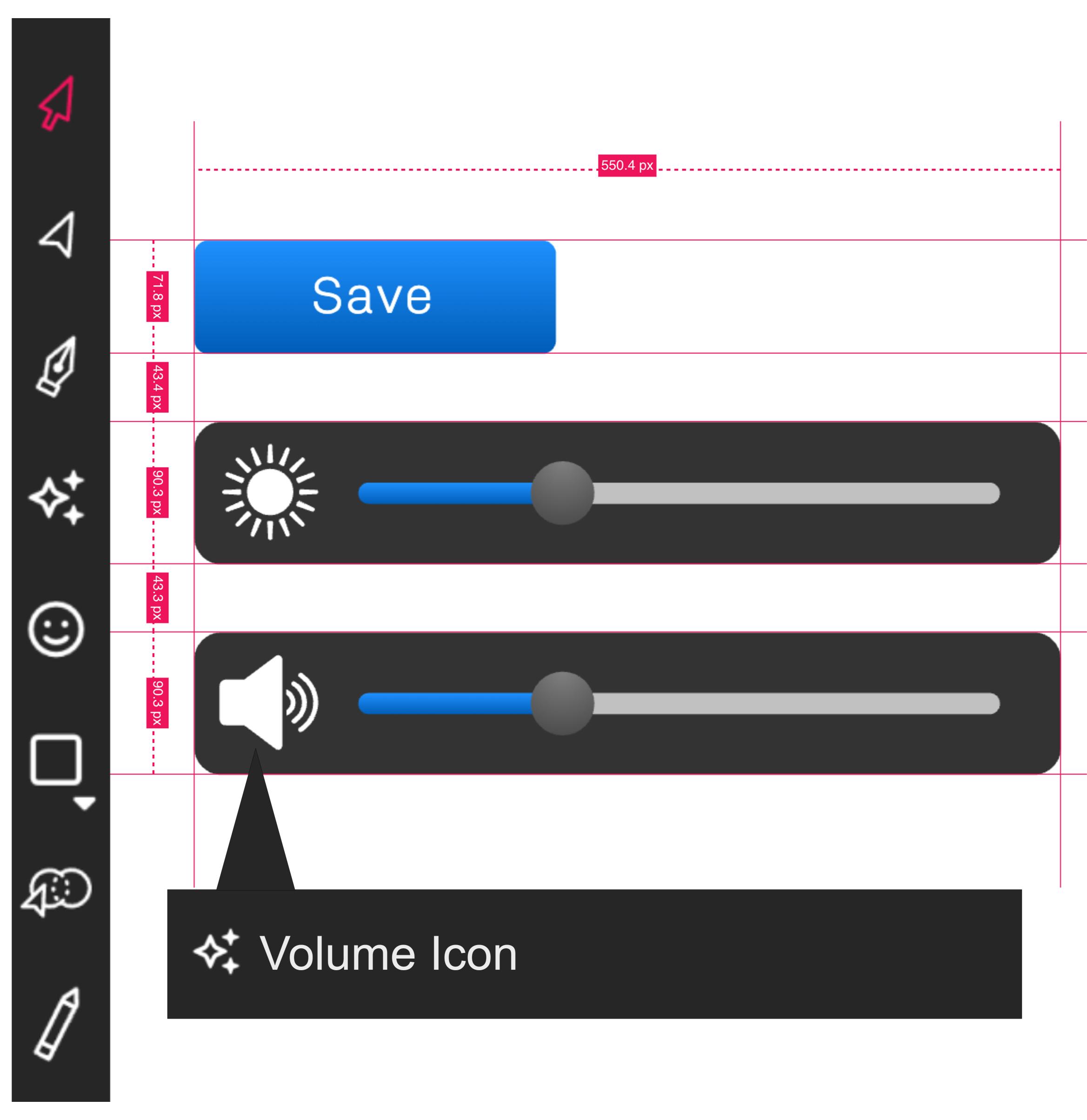
Explore Tutorials & Guides

Vector Ink Layers Panel Tutorial | Organize Your Designs Like a Pro
A well-organized design isn’t just about aesthetics — it’s about efficiency. The Layers Panel in Vector Ink lets you keep your artwork tidy, making it easy to manage complex logos, illustrations, and UI layouts. In this tutorial, you’ll learn how to create, rename, and manage layers like a pro so your workspace stays clean and your process stays smooth.
Master the Text Tool in Vector Ink: Add, Edit, and Curve Text Along Any Path
Typography can make or break a design — and Vector Ink gives you total freedom to create and shape text exactly how you want. In this tutorial, you’ll learn how to add text, create text boxes, and even curve your text perfectly along custom paths.
🧱 Vector Ink Shape Tools & Icon Library Tour | Fast, Clean Design Essentials
Clean, consistent shapes are the foundation of strong vector design. In this tour, we will walk through Vector Ink's Shape Tools and the built-in Icon Library so you can create polished logos, icons, and layouts quickly and with precision.
Selection Tool Part 2: Master the Control Bar & Transform Panel
This continuation of our Selection Tool series dives into the Control Bar and its most precise companion—the Transform Panel. You’ll learn how to apply numeric, exact edits for size, rotation, position, skew, and visibility so your logos, icons, and layouts snap into place with confidence.

From Sketch to Logo: Create a Vector Logo with the Path Builder Tool in Vector Ink!
In this tutorial, you'll take a rough bird sketch and convert it into a polished, scalable logo using Vector Ink. We'll import a sketch, set up layers, build precise curves with circles, and use the Path Builder Tool to merge everything into a clean vector mark. Perfect for beginners and pros who want a fast, repeatable workflow.

Easy Typography Logo Tutorial: Intertwined Lettermarks in Vector Ink
In this hands-on tutorial, you’ll turn any two letters into a polished logo. We’ll combine the Text Tool with the new Shape Builder Tool to weave letters over/under each other, then finish with color and export. Use any font you love and follow along on desktop, tablet, or phone.

Introduction to Vector Drawing
Unlock the art of vector drawing with this detailed introduction to Vector Ink. In this tutorial, you'll learn how to convert any image into a professional vector illustration using three key tools: the Pen Tool, Path Builder Tool, and Draw Tool. Whether you're a beginner or a skilled artist, these techniques will help you create precise and smooth vector designs.
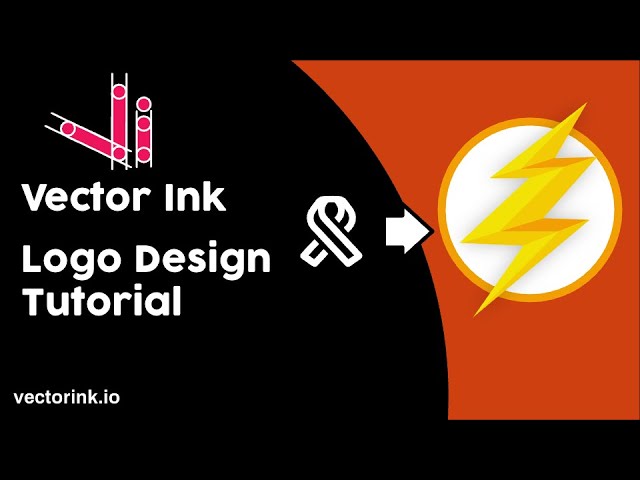
The Flash Logo Design Tutorial with Vector Ink
In this tutorial, you’ll learn how to create the Flash logo from scratch using Vector Ink, the powerful vector design tool available on both web and mobile. By following along, you’ll master two essential tools: the Ribbon Tool for shaping the lightning bolt and the Path Builder Tool for adding depth and 3D effects. Whether you’re a beginner or an experienced designer, this guide will help you bring superhero energy to your next project.
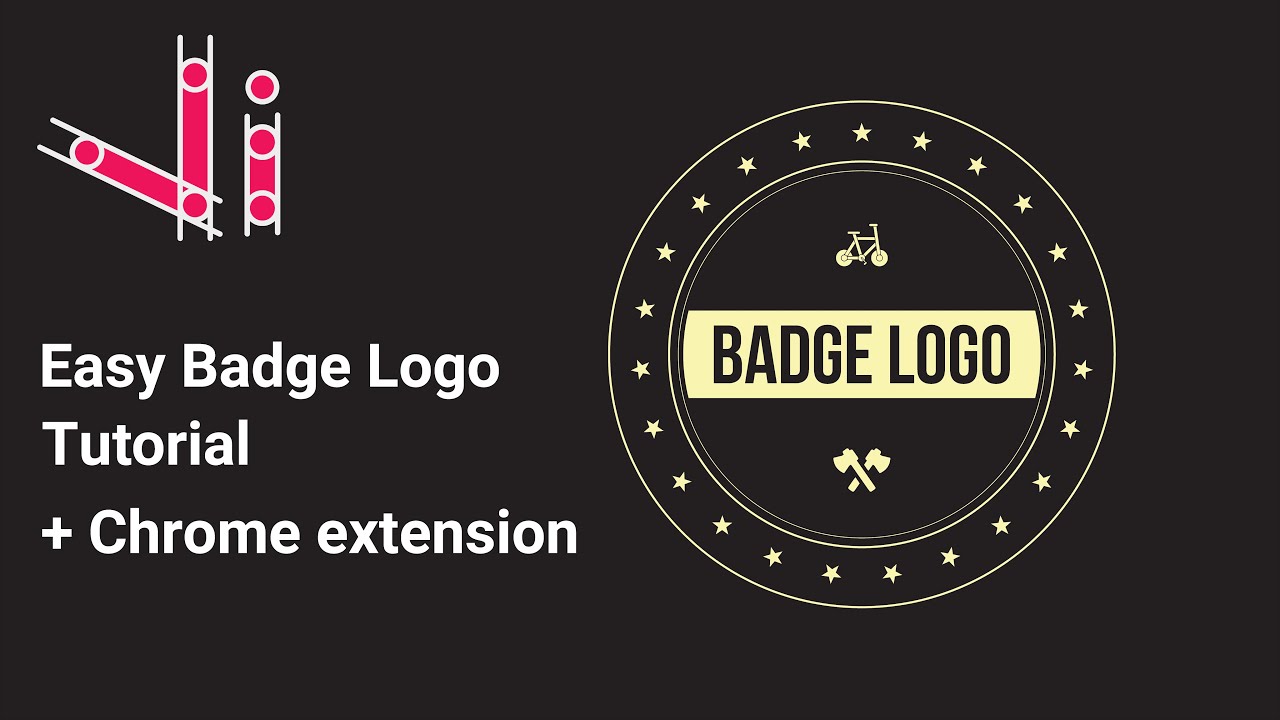
Easy Badge Logo Tutorial - Vector Ink
In this tutorial, we'll guide you step-by-step on how to create a badge logo using Vector Ink. You'll learn how to use the Circle Tool, Star Tool, and Copy Tool to form the perfect badge design, and discover how the Vector Ink Chrome Extension helps you import SVG graphics instantly from your browser. Whether you're designing on desktop or mobile, this guide will help you unlock a clean, geometric style for your next logo project.

Thousands of Stunning Vector Icons
Jumpstart your designs with Vector Ink's extensive built-in library, home to thousands of professionally crafted vector icons. Find everything from essential logo elements and UI components to creative game assets and illustrations.
All icons are fully editable, allowing you to customize colors, shapes, and details to perfectly match your project's style. Best of all, they are royalty-free and cleared for commercial use, giving you complete creative freedom.
Get StartedFrom the Blog

How to Convert PNG to Vector and Turn Sketches Into Professional SVG Graphics
Raster images like PNG files are made of pixels — tiny squares of color that create the image when viewed together. Vector graphics use mathematical formulas to define shapes, lines, and curves. This fundamental difference means vectors can scale to any size without losing quality, while raster images become pixelated when enlarged.Vector graphics give you complete editing control over every element in your design. You can change colors, resize individual shapes, modify text, and adjust paths without starting over. PNG images lock you into fixed pixels that can't be easily separated or modified.Designers rely on vector conversion for logos that need to work everywhere — from business cards to billboards. Web developers use vectors for icons and graphics that must look crisp on high-resolution screens. Crafters and makers convert sketches to vectors for laser cutting, vinyl cutting, and CNC machining projects.Professional printing and manufacturing require vector files because they maintain perfect edges and solid colors at any scale. Whether you're creating branded materials, product packaging, or marketing graphics, vectors ensure your designs look professional across all applications.
Illustrations & Digital Art
Unleash your inner artist with Vector Ink's powerful illustration tools. Create precise paths and curves with the intuitive Pen tool, or sketch freely with the Draw tool, featuring a stabilizer for smooth, natural lines.
Define your unique style with custom brush stroke configurations. Whether you're creating detailed scenes, character designs, or abstract art, Vector Ink provides the flexibility and control you need to produce stunning, scalable illustrations.
Get Started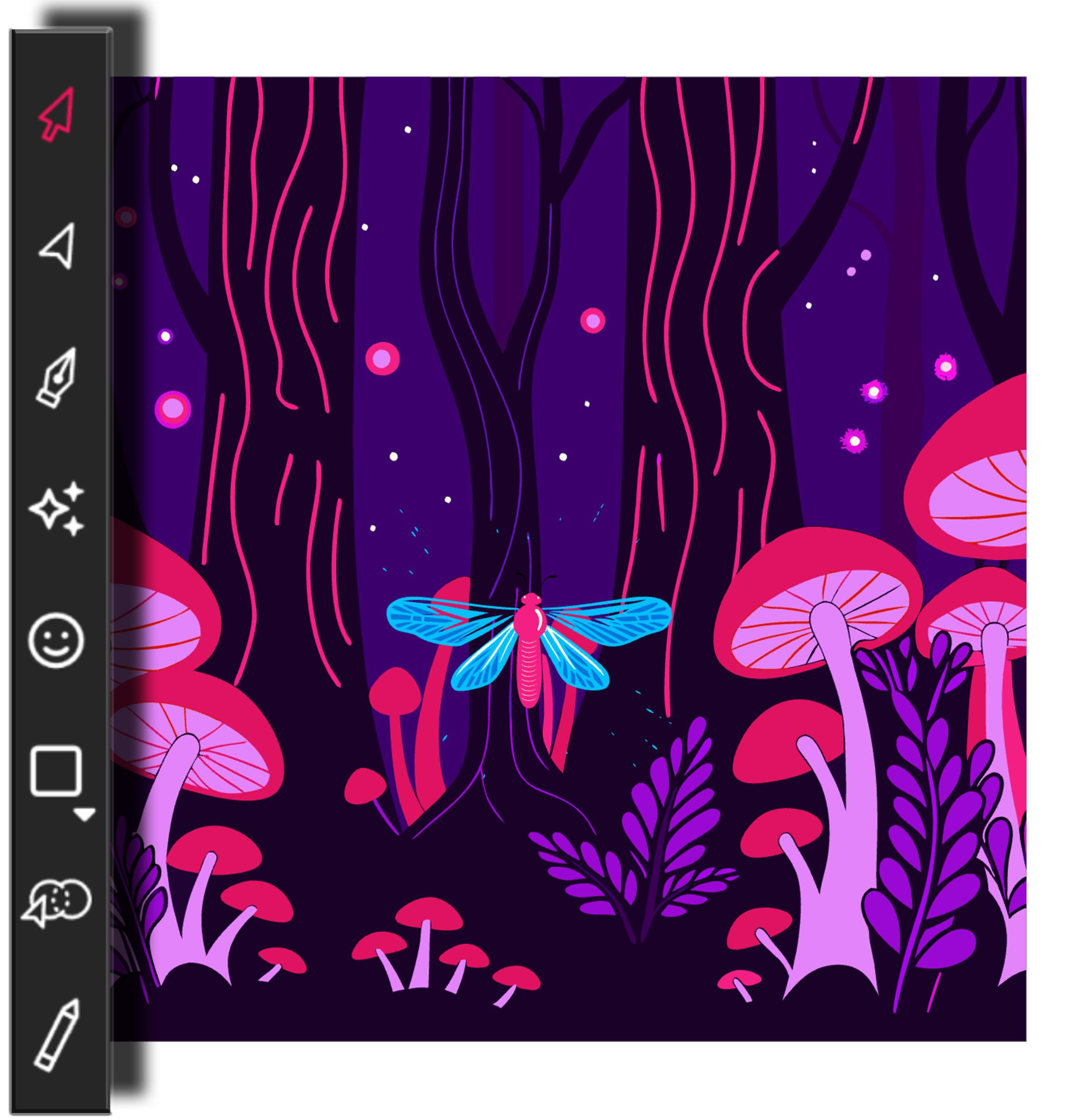
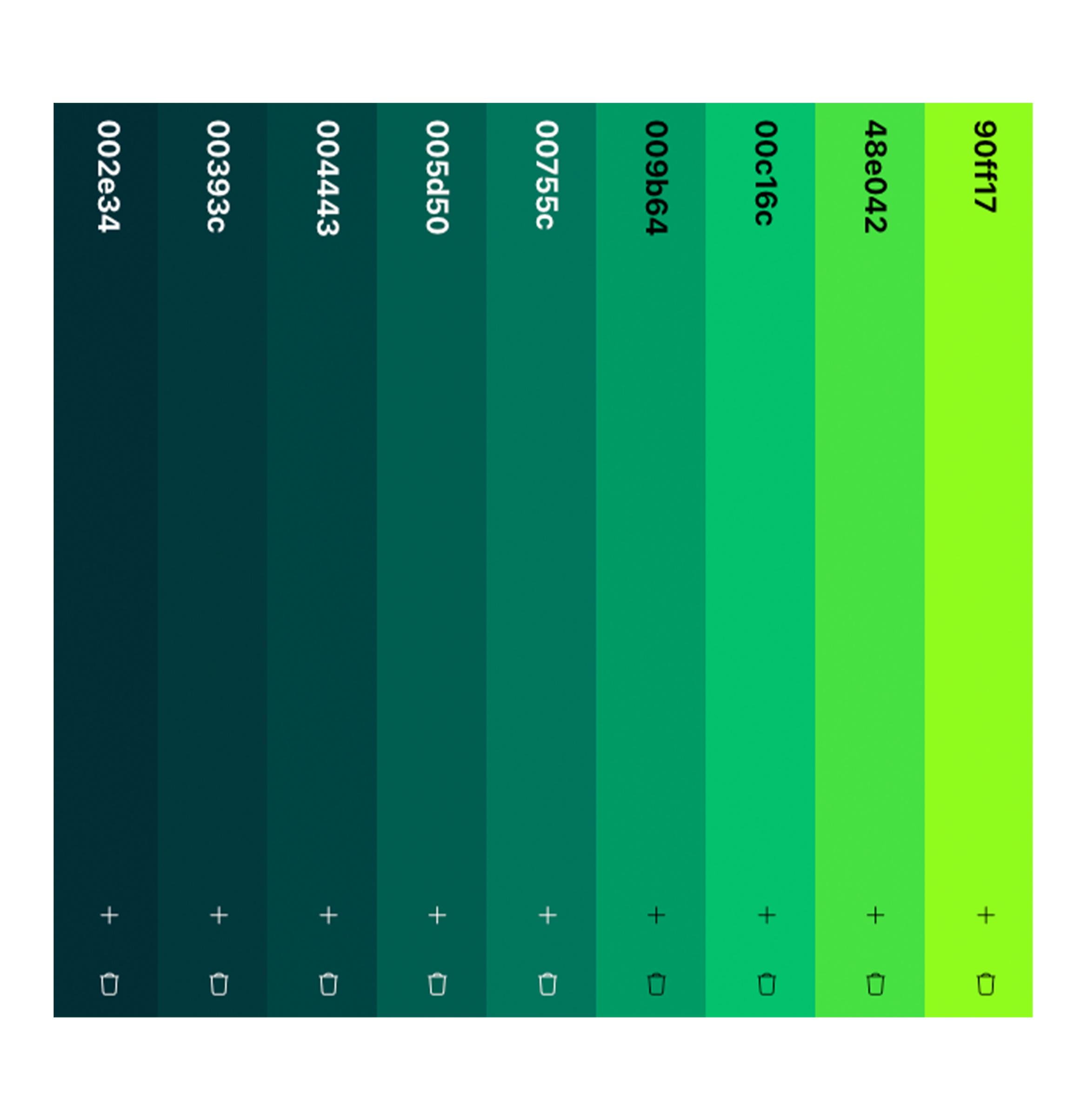
Gorgeous Color Palettes
Find the perfect color scheme effortlessly. Vector Ink features a powerful color palette editor and comes packed with thousands of gorgeous, pre-made palettes suitable for any design style or mood.
Easily apply palettes to your artwork, save your favorite combinations, and ensure color consistency across your projects. Creating visually stunning and harmonious designs is simpler than ever.
Get Started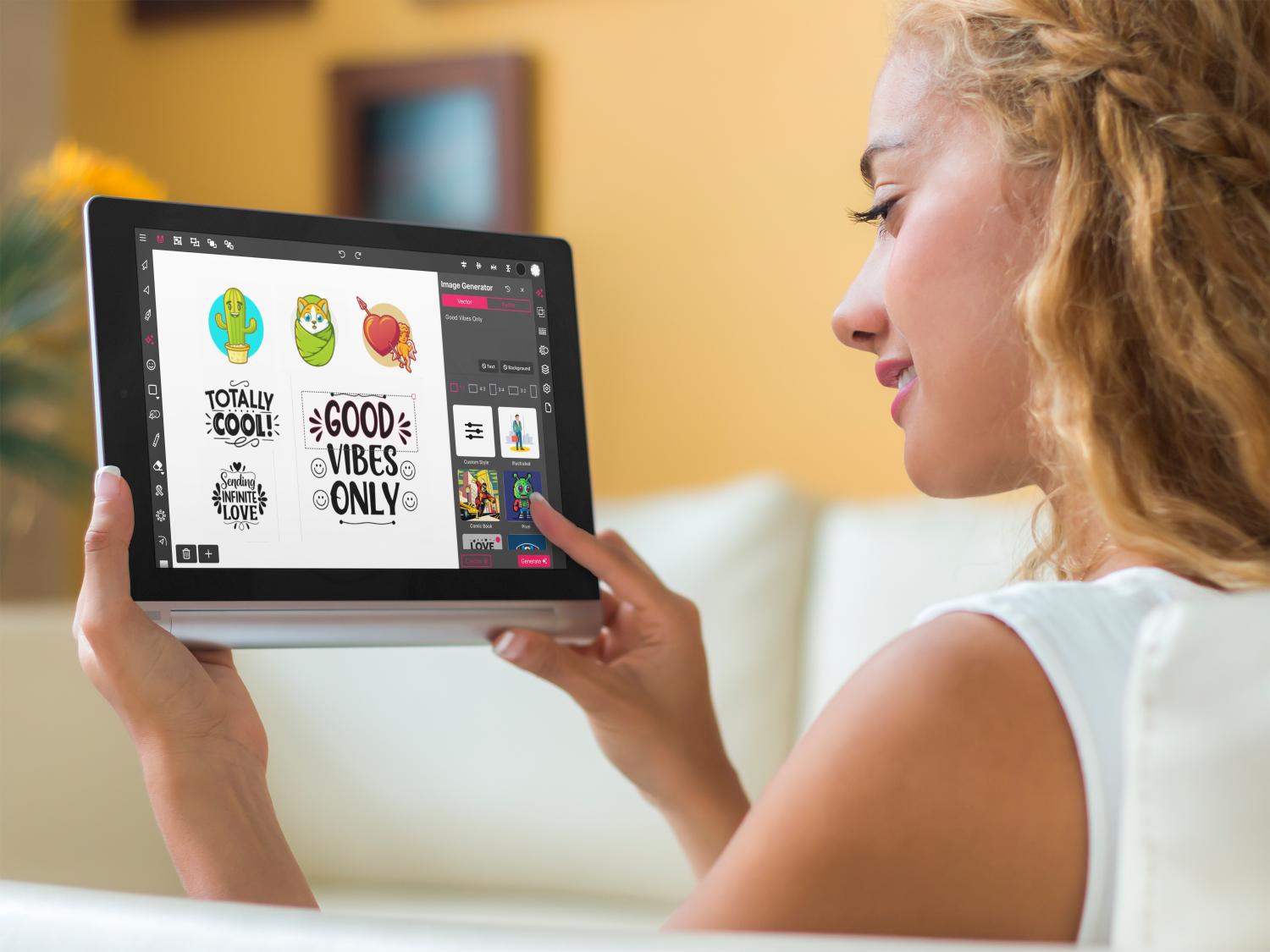
Crafting & Cutting
Bring your DIY projects to life! Design intricate patterns for stickers, decals, laser cutting, or your Cricut machine. Export clean SVG files perfect for precise cuts and crafting creations, ensuring your machine follows every line flawlessly.
Need inspiration or unique elements? Use Vector Ink's AI to generate creative patterns, shapes, or characters specifically for cutting and printing stickers, decals, stencils, and more. Turn simple prompts into complex, cut-ready designs.
Get StartedFrequently Asked Questions
What are vector graphics?
Vector graphics use mathematical equations to define points, lines, and curves. Unlike raster graphics (like JPEGs or PNGs), they can be scaled infinitely without losing quality or becoming pixelated, making them ideal for logos, illustrations, and designs that need to be used at various sizes.
What is SVG?
SVG stands for Scalable Vector Graphics. It's an XML-based file format for describing two-dimensional vector graphics. SVG files are widely supported on the web and can be easily edited and animated.
Do I need to install anything to use Vector Ink?
No! Vector Ink is a cloud-based web application. You can access it directly through your web browser on any compatible device (desktop, tablet, mobile) without needing to install any software.
Can I import existing files?
Yes, Vector Ink supports importing various file formats, including SVG, PNG, and JPG. You can bring your existing work into the editor to continue working or use raster images as a base for vectorization.
What export options are available?
You can export your designs in several formats, including SVG (ideal for web and scalability), PNG (with transparent background options, great for web and print), and JPG.
Is Vector Ink suitable for beginners?
Absolutely! While Vector Ink offers powerful tools for professionals, its intuitive interface and helpful guides make it accessible for beginners looking to learn vector design.
How does the AI generator work?
Our AI generator allows you to create vector graphics from text prompts. Describe what you want (e.g., "a cute cartoon cat logo," "a set of simple UI icons"), choose a style, and the AI will generate editable vector results to get you started.
Can I use the icons and graphics I create for commercial projects?
Yes, graphics you create yourself in Vector Ink, including those generated with AI features or using icons from our library, can be used for commercial purposes.
Does Vector Ink work offline?
Vector Ink is primarily a cloud-based application and requires an internet connection for full functionality, including saving, syncing, and accessing cloud features like the icon library and AI tools.
What devices are supported?
Vector Ink is designed to work seamlessly across modern web browsers on desktops (Windows, macOS, Linux), tablets (iPad, Android), and mobile devices.