Vector Ink Pen & Point Tool Tutorial + Path Control Panel: Precision Drawing Made Easy
Clean vector paths are the backbone of logos, icons, and illustrations. In ...
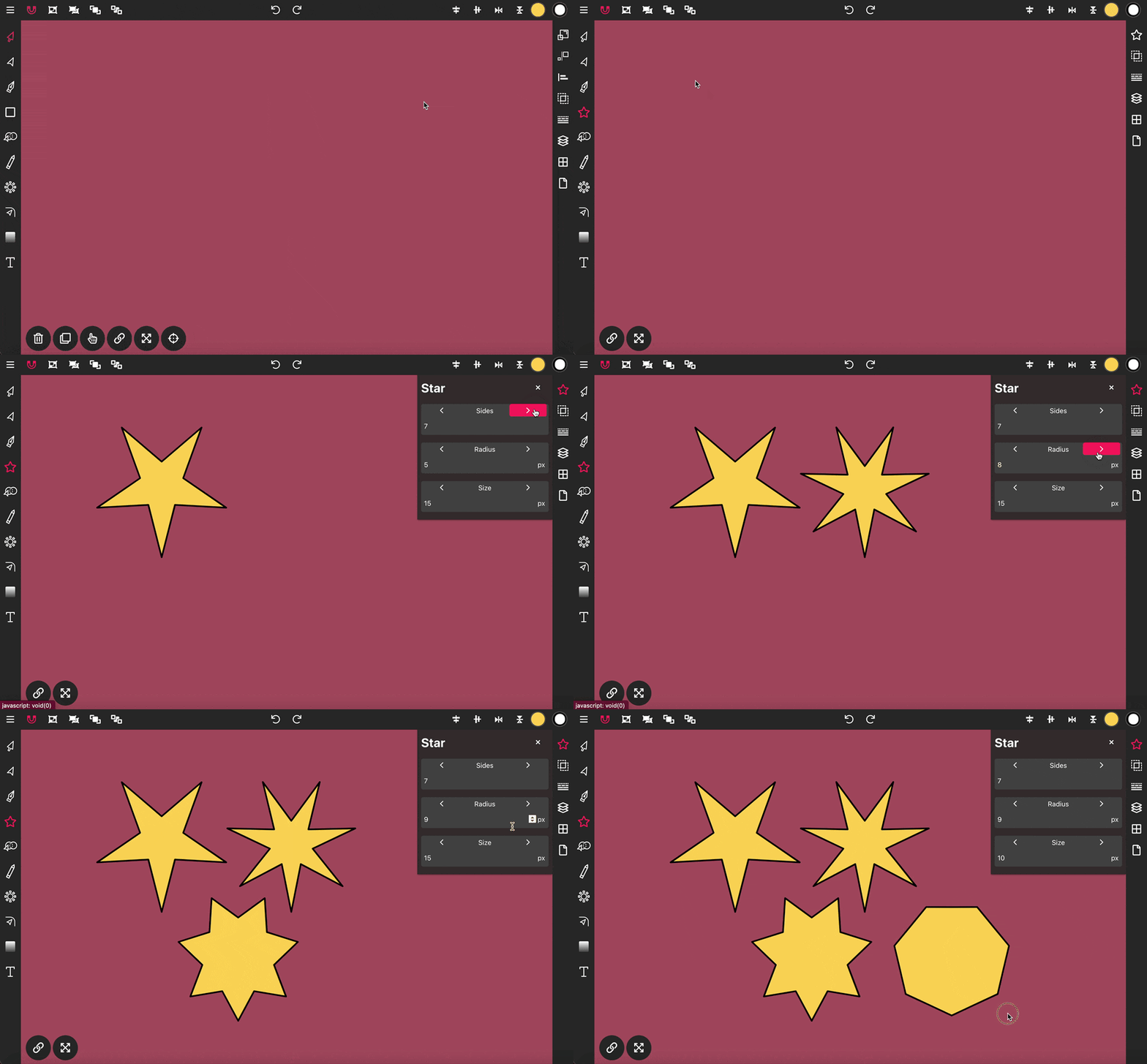
The Star Tool in Vector Ink enables you to easily draw star shapes onto the canvas, perfect for creating dynamic and decorative elements in your designs.
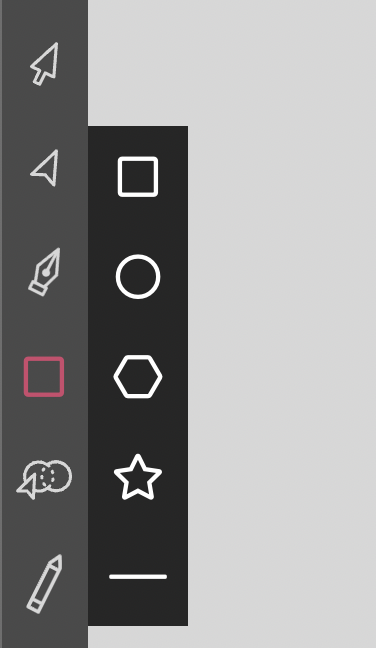
To initiate drawing a star, click twice on the Rectangle Tool in the Toolbar to reveal the shapes menu. Select the star icon from this menu, then click, hold, and drag on the canvas to place a star shape.
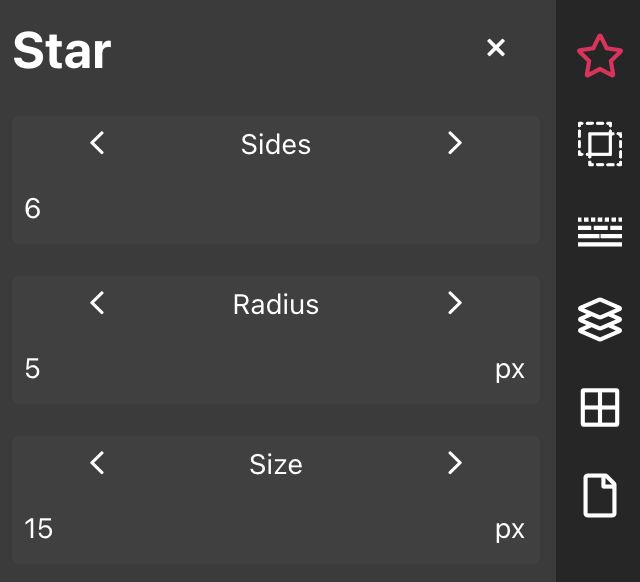
The Star properties panel provides you with three adjustable options to customize your star:
Sides: This option allows you to set the number of points on the star, adjusting its complexity.
Radius: Adjust this setting to control the size of the inner points of the star, affecting how sharp or broad they appear.
Size: This controls the size of the outer points, influencing the overall span and prominence of the star's silhouette.
Clean vector paths are the backbone of logos, icons, and illustrations. In ...
Color is one of the most powerful tools in visual design — it defines emo...
Boolean actions are the fastest way to build complex shapes from simple one...
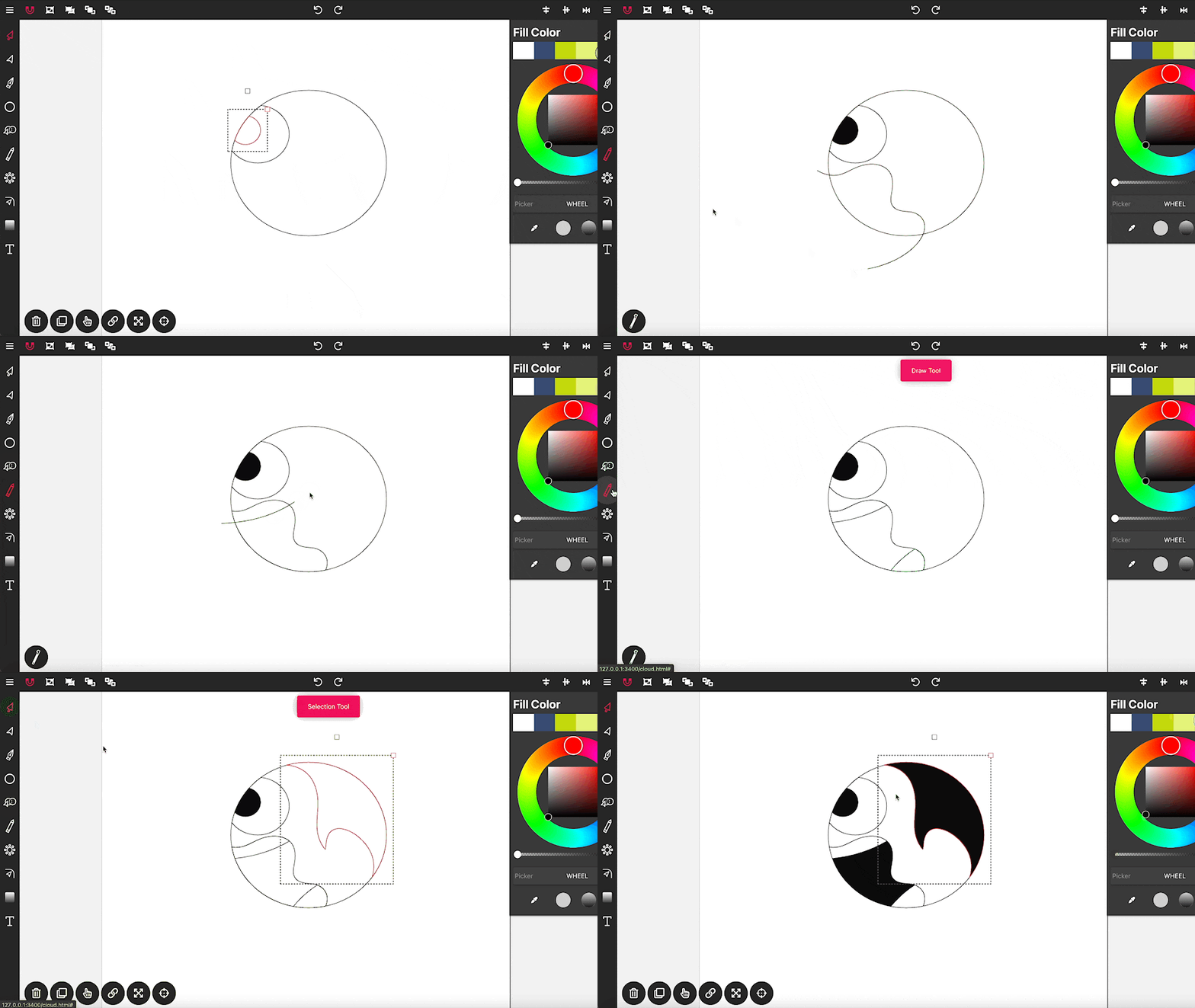
Drawing in Vector Ink is not only super easy but also incredibly intuitive....
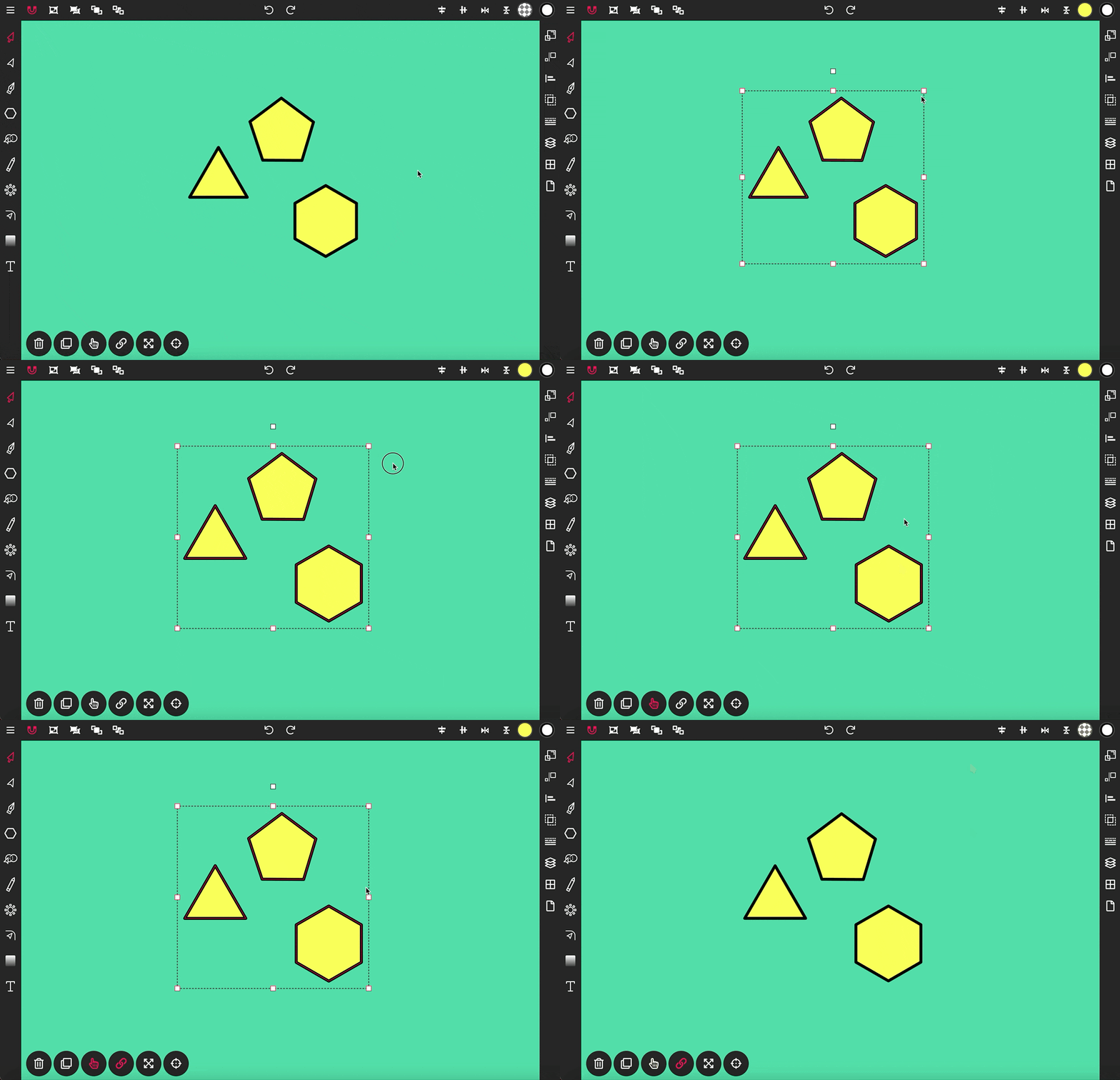
The Selection Tool is a fundamental component of Vector Ink, essential for ...
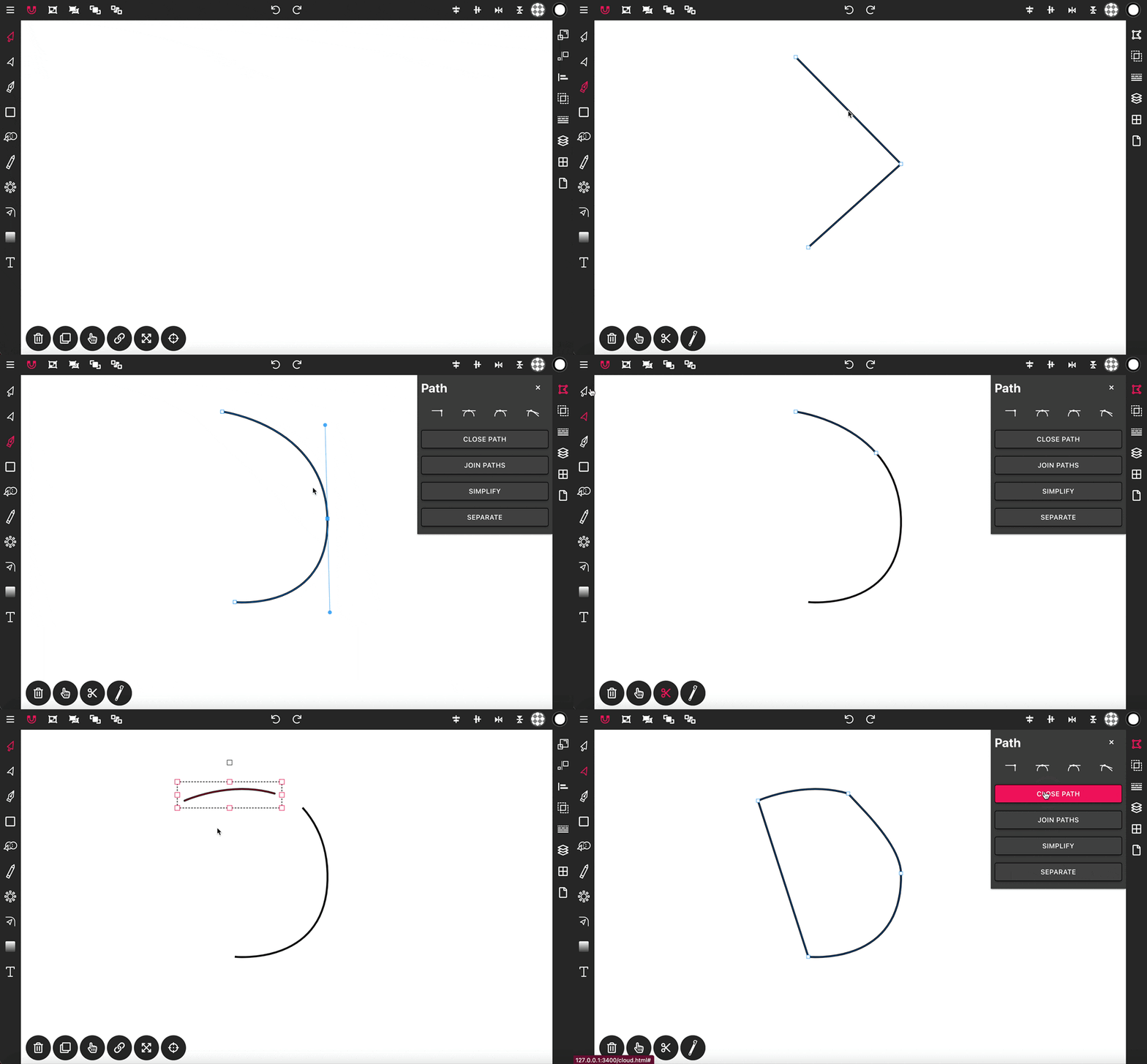
With the Pen Tool, you can draw paths with sharp or smooth anchor points an...