


What Can Vector Ink Do with Your Vector Graphics?
Vector Ink offers advanced editing tools, customizable icons, and cloud storage for cross-device access, making it easy to create, modify, and save your vector designs from anywhere.
What Are Vector Graphics and Why Are They Essential?
Vector graphics are created using mathematical paths, making them scalable to any size without losing quality. They are crucial for designs that need to appear sharp and professional in any format, from websites to billboards.

%20copy.jpg)
Vector Graphics vs. Bitmap: What’s the Difference?
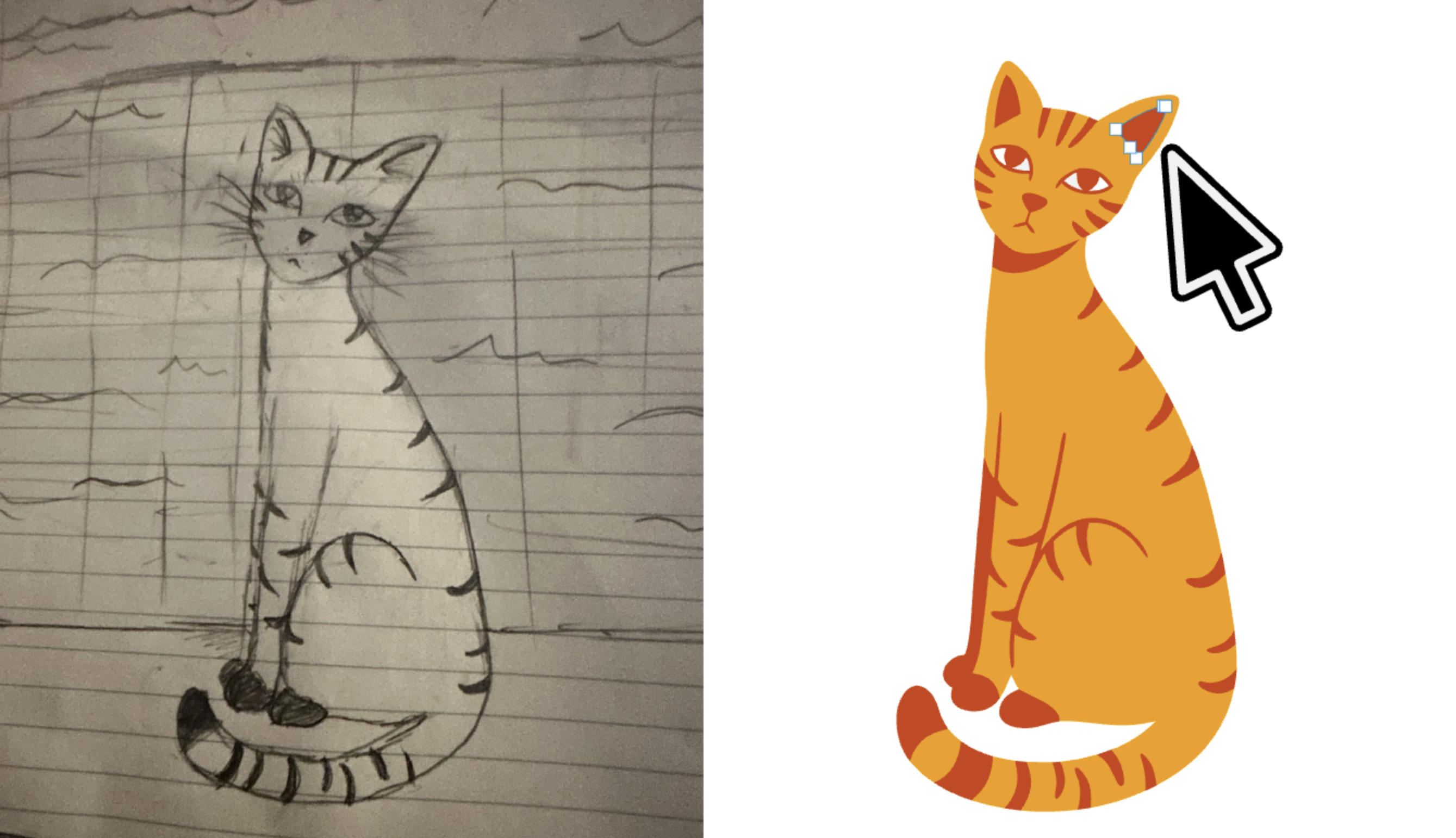
Unlike bitmap images, which are made of pixels and lose quality when resized, vector graphics maintain their clarity and sharpness at any scale, making them ideal for logos, icons, and illustrations.
Why Should You Convert an Image to Vector?
Converting your image to vector ensures scalability, smaller file sizes, and easy editability. It’s the perfect solution for creating logos, icons, and graphics that need to be used across different formats and sizes.


When Should You Use Vector Graphics?
Vector graphics are essential for logos, print design, and illustrations. Whether you need sharp, scalable designs for branding or lightweight graphics for your website, vectors are the best choice for high-quality, flexible design.
Why Choose Vector Ink's Image Converter?
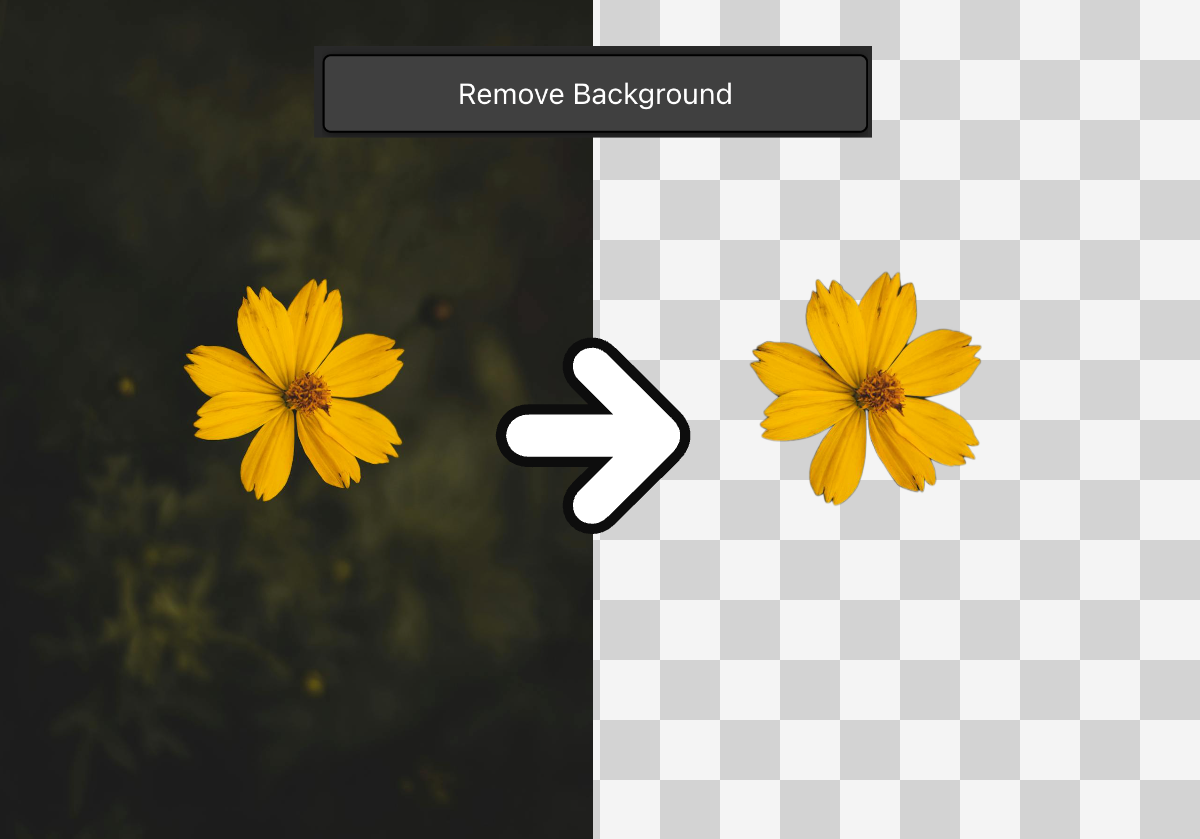
Vector Ink's converter allows you to retain the full color spectrum of your image while converting it into smooth, scalable vector graphics. It’s fast, accurate, and easy to use, providing high-quality results in both color and black-and-white formats.

Design with precision, flexibility, and ease.
Introducing Vector Ink: The SVG Editor for Creative Professionals
Bearbeiten Sie SVG-Dateien schnell online mit Vector Ink. Vector Ink ist ein Online-Vektor-Editor mit leistungsstarken Werkzeugen zur Bearbeitung von SVG-Dateien. Die Nutzung ist kostenlos und der Export von SVG-, PNG- und JPG-Dateien ist ebenfalls kostenlos. Vector Ink eignet sich hervorragend für Logodesign, Laserschneiden, NFT-Design, Zeichendesign, Vektornachzeichnung und das Zuschneiden und Ändern der Größe von Bildern online. Klicken Sie auf Launch App, um die Web-App zu öffnen und mit der Gestaltung zu beginnen.
Tutorial
Wie man ein Logo entwirft | Vektor Tinte Anfänger Logo-Design-Tutorial
Lernen Sie Logodesign mit Vector Ink. Dieses Video führt Sie durch die Grundlagen der Erstellung eines kühnen, ikonischen und professionellen Logos - und das kostenlos. Dieses Logodesign-Tutorial zeigt Ihnen, wie Sie ein Vektorlogo mit Vector Ink erstellen. Ein Schritt-für-Schritt-Prozess, für Anfänger und Profis gleichermaßen. Lernen Sie noch heute, wie Sie Ihr eigenes professionelles Logo erstellen können!
Design mit Vertrauen
SVG-Editor online mit einfacher Benutzeroberfläche und leistungsstarken Tools
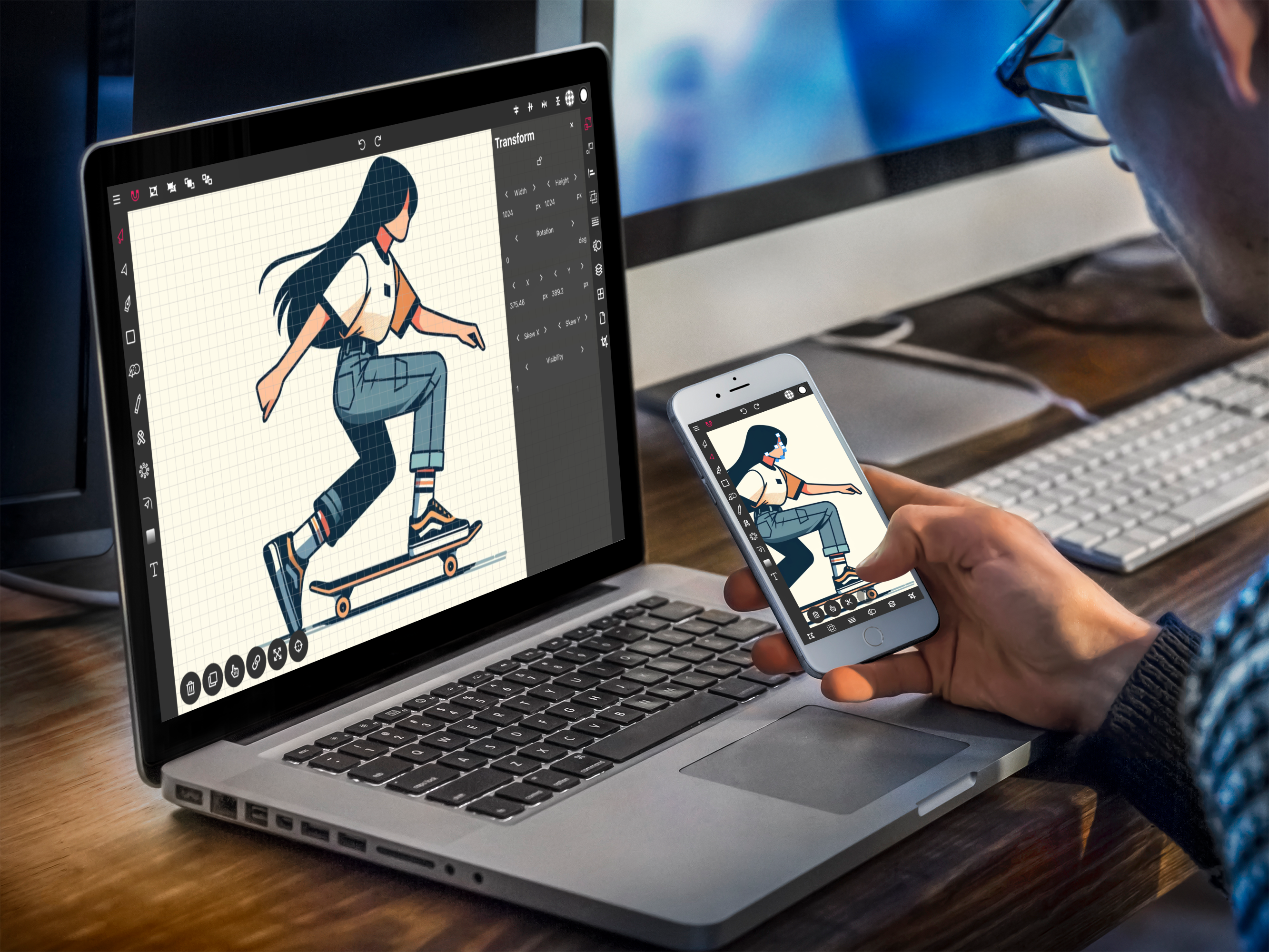
Entwerfen Sie mühelos Vektorgrafiken mit Vector Inks intuitiven Designwerkzeugen. Vector Ink macht Vektorgrafikdesign wirklich einfach. So einfach, dass Sie keine andere Vektorbearbeitungssoftware mehr verwenden möchten, sobald Sie die Magie hinter Vector Ink kennengelernt haben, die es so besonders macht. Das Beste daran! Es handelt sich um eine reaktionsfähige, cloudbasierte Anwendung, die Sie jederzeit, überall und auf jedem Gerät nutzen können.
Unglaubliche Eigenschaften
Path Builder Tool
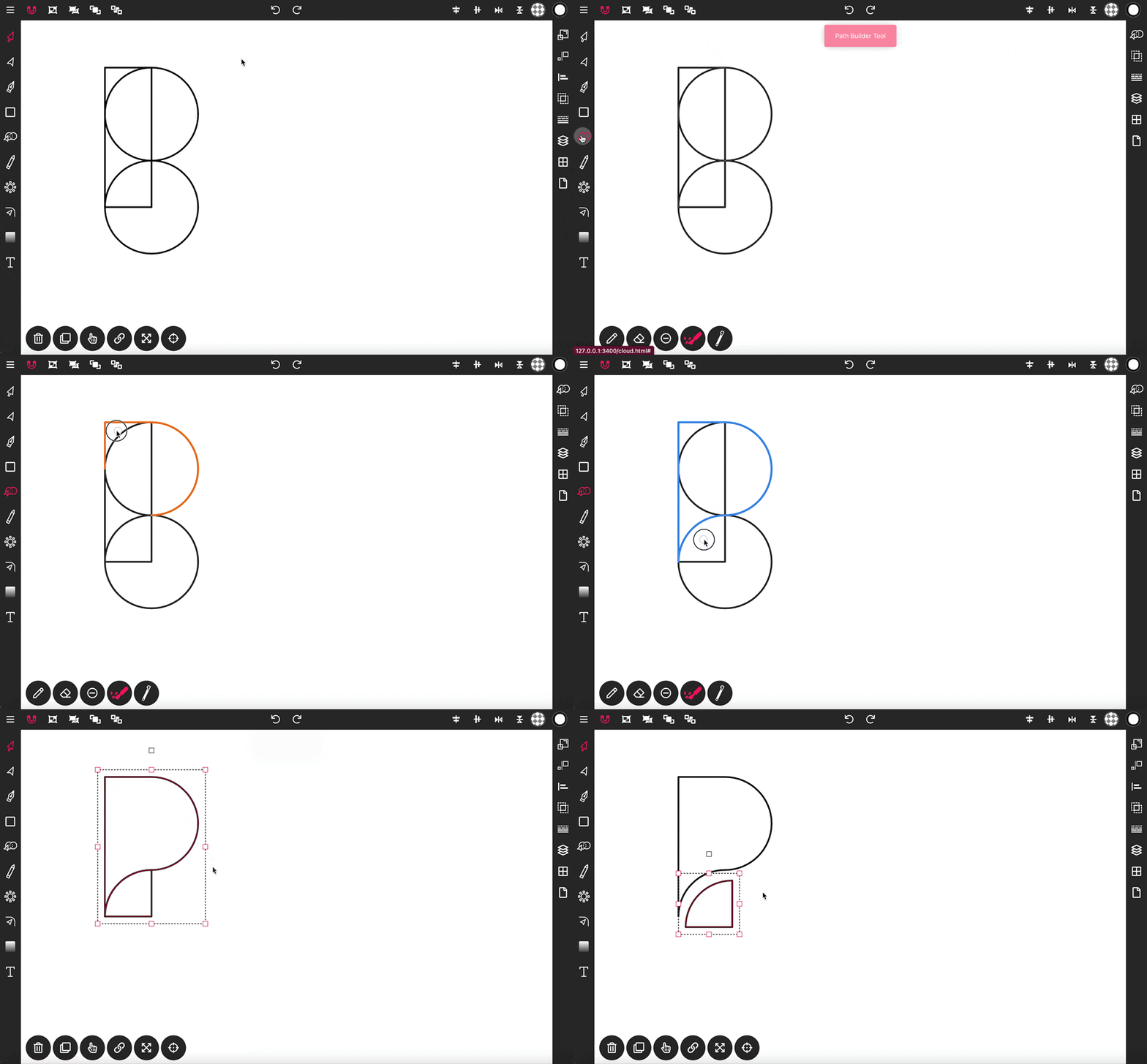
Das Path Builder Tool ist eine der leistungsstärksten Funktionen von Vector Ink. Sie können damit fast jede Form erstellen, die Sie sich vorstellen können, indem Sie nur eine einzige Form als Baustein verwenden. Das ist ideal für professionelle Grafikdesigner, aber noch mehr für Anfänger, die großartige Designs erstellen möchten, ohne die Feinheiten des Programms lernen zu müssen. Sie müssen lediglich die gewünschten Formen auswählen und das Path Builder Tool aktivieren, um eine beliebige Anzahl verschiedener Formen zu erstellen.
Praktischste Vektor-Zeichen-App
Jedes Gerät, jeder Ort
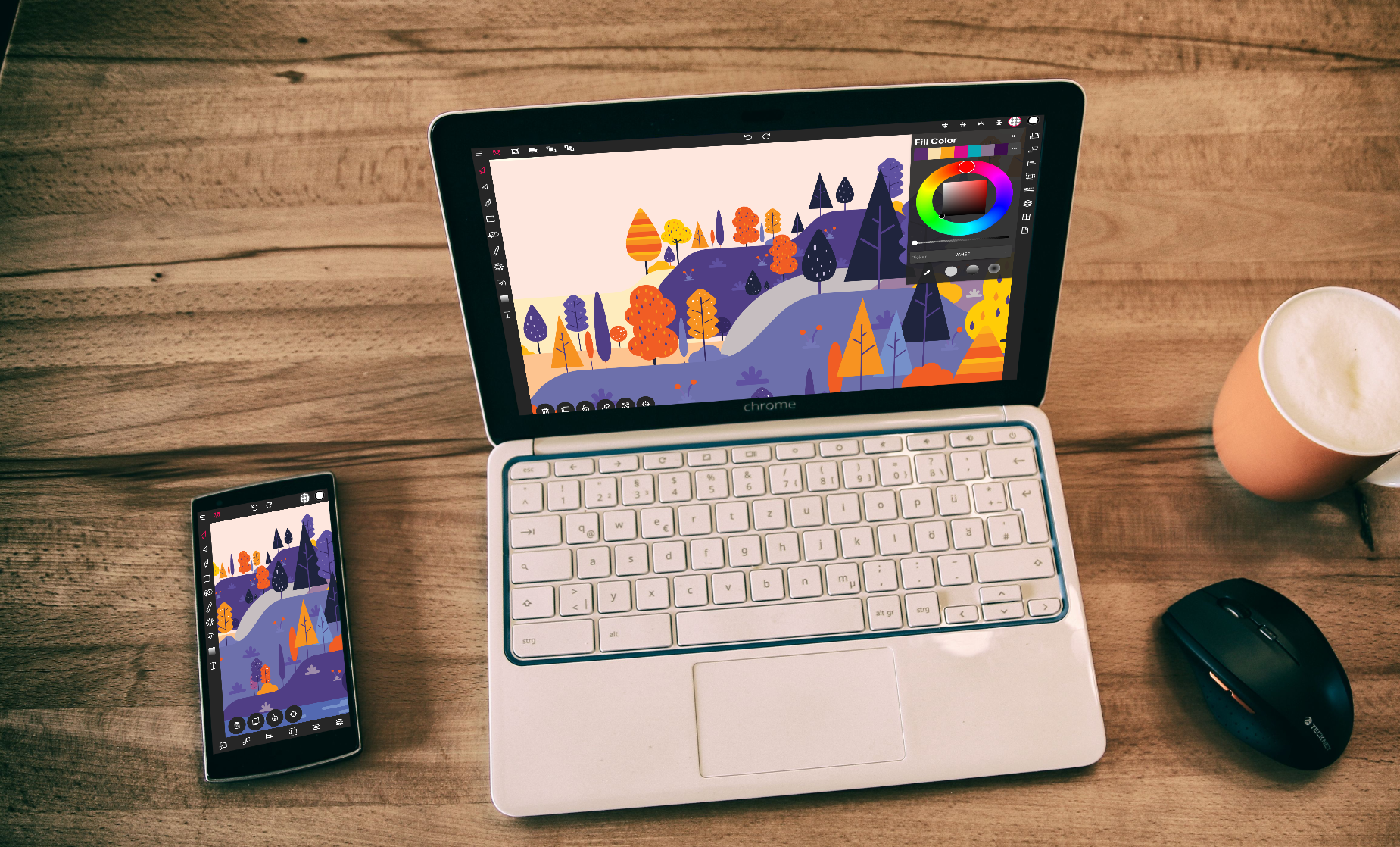
Vector Ink is a vector graphics editor designed for all devices. Use Vector Ink in your web browser or download the mobile app and sign up to store your work in the cloud so your designs are always available no matter what device you use. Take your projects, imported fonts, and custom color palettes with you everywhere you go on any device. With Vector Ink's responsive user interface you can design as comfortably on your phone as you would on a laptop or tablet whether you're using the online editor or mobile app.